Define the organizational scope
Set staff responsibilities within the applicable organization and role.
For clinics & organizations
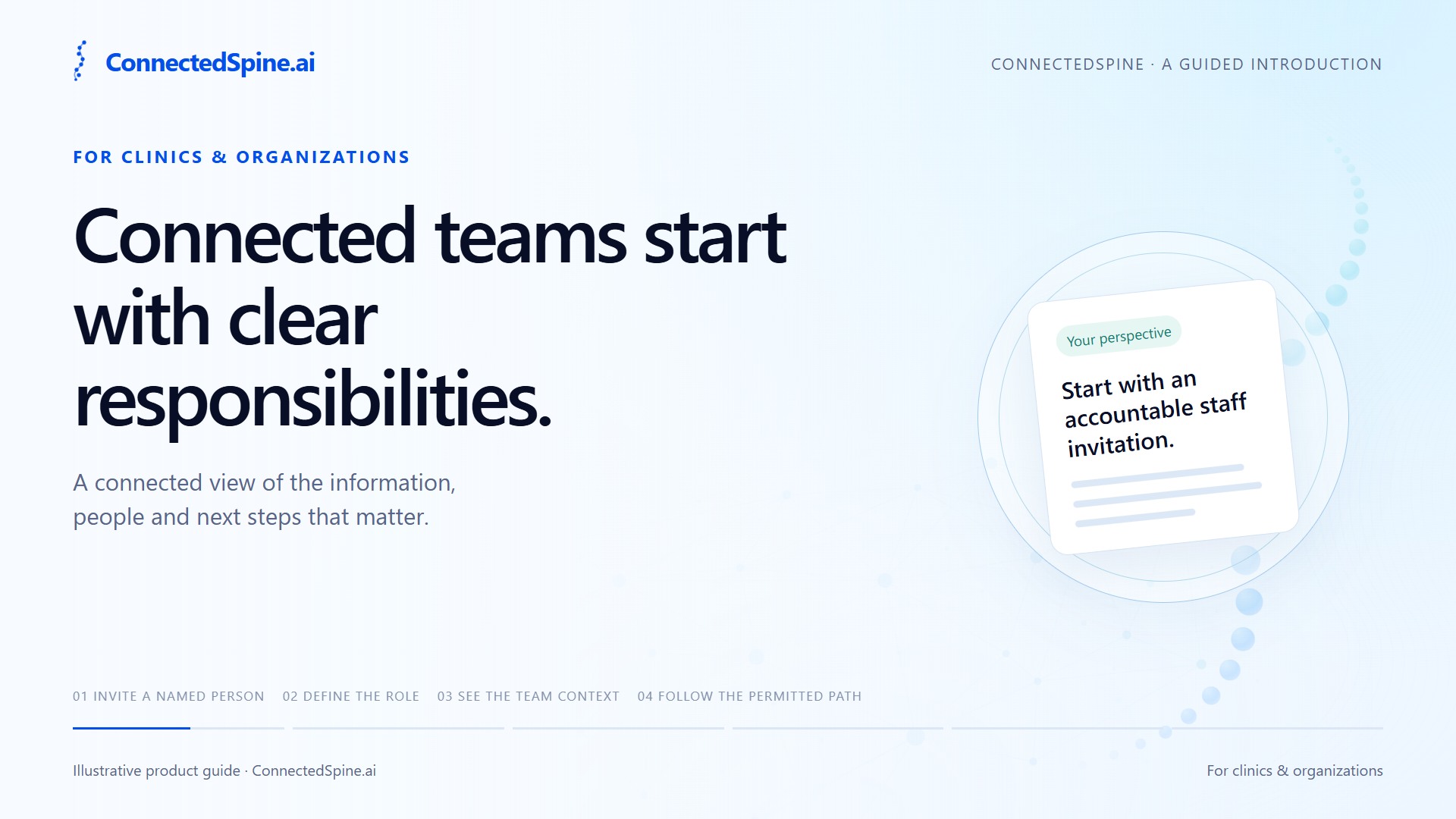
Give staff roles, professional profiles and care-team coordination a clear structure, with access tied to the work each person is permitted to do.
Your perspective
Give staff roles, professional profiles and care-team coordination a clear structure, with access tied to the work each person is permitted to do.
A connected team needs to know who is taking part, what each role allows, and where the work belongs. Begin with a named staff invitation and the applicable account and verification steps. Review the organizational role and scope. Email checks, professional credentials, and patient-case authority answer different questions. Use the relevant professional directory to understand profiles, team assignments, and coverage information. Continue through the permitted case workflow. Organization membership and directory visibility do not themselves open every patient record. Explore staff access and the care-team directory together, then use the organization information on the contact page to understand the next step.
Organization membership, professional verification and patient-case permissions each serve a distinct purpose. Keep those responsibilities visible as people join a team, find a professional and take their next permitted action.
Set staff responsibilities within the applicable organization and role.
Email and account checks establish different facts from professional credentials and clinical authority.
Professional profiles and available coverage information provide context for the next permitted workflow.
See each feature work
Watch the film and explore each step. See who acts, what is shared and what happens next.
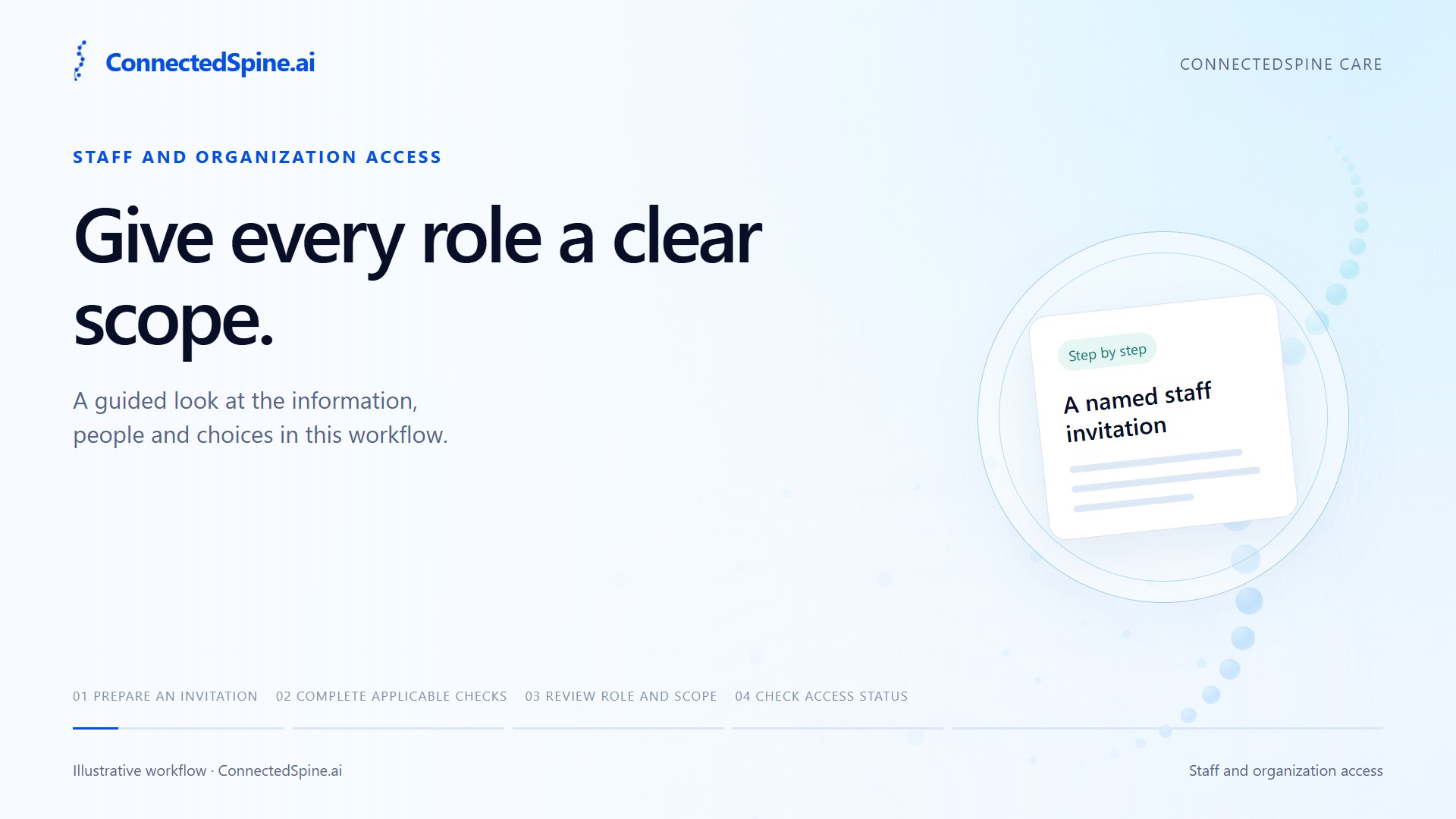
Connected teams begin with clear roles and responsibilities. Prepare an invitation for a named staff member. Complete the applicable account and verification steps. Review the organizational role and its permitted scope. Check the person's current access status. An invitation or membership does not establish professional credentials or patient-case authority. Each has its own requirements.
Prepare staff access for a defined role and organizational scope.
A named staff invitation
An invitation, email verification or organization membership does not itself confer professional credentials or patient-case authority.
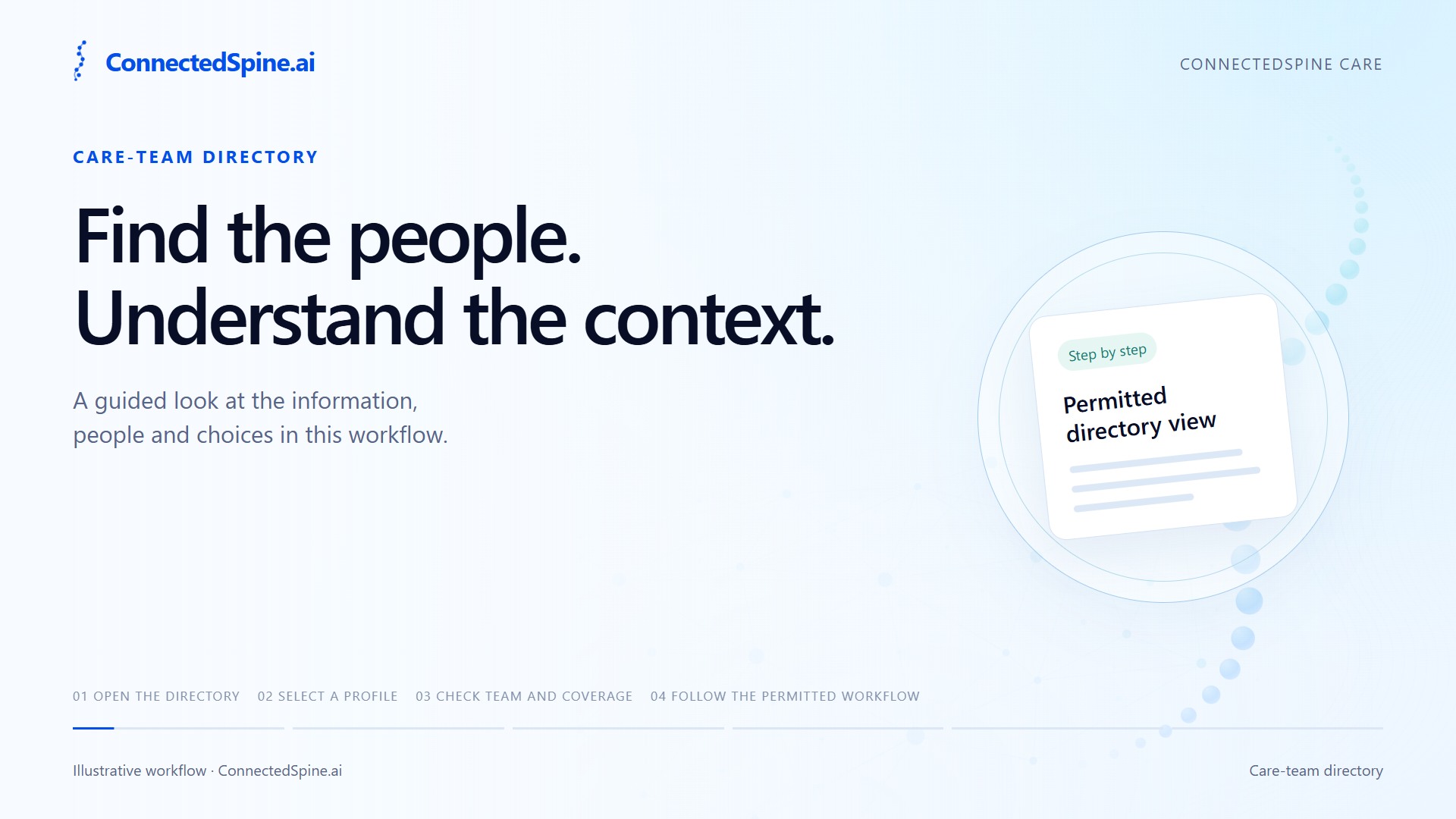
A care-team directory brings relevant professional context together. Open the directory view you are permitted to see. Select a professional profile. Check the assignment, team, and coverage information. Continue through the separately authorized workflow for the case. A directory listing helps you find context. It does not itself grant access to a patient's records.
See relevant professional profiles, assignments and coverage information.
Permitted directory view
A directory entry is not a patient-record grant. Team and case access require their own applicable permissions.
Take the next step
Explore a care workspace that connects patient preparation, deliberate sharing and clinician-reviewed next steps.
Organize your questions, relevant information and goals before submitting an assessment.
Review the information, purpose and recipient before confirming a share.
Product access follows your account, role and applicable permissions. Contact us for an introduction or account help.