Home

Trust & privacy

Understanding access
is part of understanding care.

Who is taking part? What information is needed? For which purpose? These questions belong at every stage of a connected care journey.

Explore the permission example

Your information, your permissions

One choice does not
open every door.

Explore the distinct choices for record retrieval, clinical sharing, assistance and payer disclosure.

Choose an illustrative permission

Each purpose is a separate choice.

These switches change this example only. No real information is retrieved or shared.

Illustrative permissions
What this example permits

No permission selected. No future access is enabled in this example.

What changes after a disclosure?

Select the payer permission to illustrate one disclosure, then withdraw it.

Voice, music & captions
Read transcript

A permission explains what information can be used, and why. Review the proposed information, purpose, and recipient. Make an explicit choice with a defined scope. The permitted workflow follows that scope. Withdrawing permission changes future dependent use. Previously disclosed information and retained audit history remain. Each new purpose needs its own applicable authority.

ConnectedSpine Care

Permissions over time

See what each permission allows and how withdrawing it affects future use.

Participant

Understand the proposed use

Information, purpose and recipient

1 / 4

Withdrawal does not recall already disclosed information or erase retained audit evidence. This website submits no real permissions.

Read every step
  1. Participant: Understand the proposed use. Information, purpose and recipient.
  2. Participant: Make an explicit choice. A permission with a defined scope.
  3. Permitted workflow: Use only that scope. An authorized action.
  4. Participant: Withdraw future dependent use. Future access changes; history remains.
Voice, music & captions
Read transcript

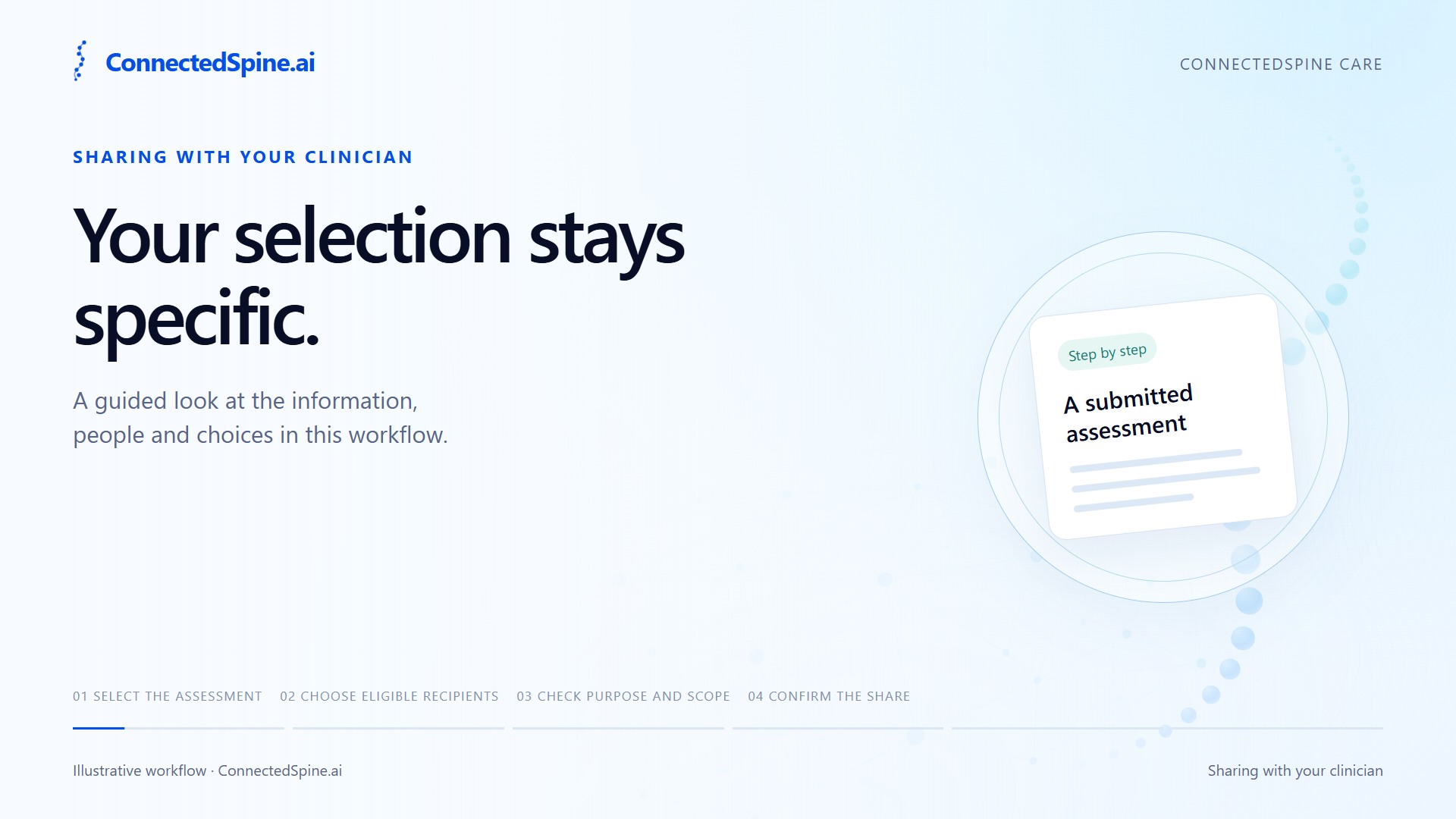
Here is how sharing works in ConnectedSpine Care. Start with a submitted assessment you want to share. Choose the eligible clinicians who should receive it. Review the information, purpose, and named recipients. Confirm your selection to make this specific share. A newly eligible clinician is not added automatically. Your selection stays specific.

ConnectedSpine Care

Sharing with your clinician

Choose which eligible clinicians receive a submitted assessment.

Patient

Select the assessment

A submitted assessment

1 / 4

Recipients are an explicit choice. A newly eligible clinician does not inherit an earlier share.

Read every step
  1. Patient: Select the assessment. A submitted assessment.
  2. Patient: Choose eligible recipients. Named clinician selection.
  3. Patient: Check purpose and scope. The exact sharing permission.
  4. Patient: Confirm the share. Access for selected recipients.
Voice, music & captions
Read transcript

Connected teams begin with clear roles and responsibilities. Prepare an invitation for a named staff member. Complete the applicable account and verification steps. Review the organizational role and its permitted scope. Check the person's current access status. An invitation or membership does not establish professional credentials or patient-case authority. Each has its own requirements.

ConnectedSpine Care

Staff and organization access

Prepare staff access for a defined role and organizational scope.

Organization

Prepare an invitation

A named staff invitation

1 / 4

An invitation, email verification or organization membership does not itself confer professional credentials or patient-case authority.

Read every step
  1. Organization: Prepare an invitation. A named staff invitation.
  2. Staff member: Complete applicable checks. Account and verification steps.
  3. Organization: Review role and scope. Organizational permissions.
  4. Organization: Check access status. Current access status.
Voice, music & captions
Read transcript

A payer review begins with a defined information packet. Identify the request and its specific purpose. Prepare the permitted, released documentation. Confirm the recipient and the basis for disclosure. The assigned reviewer opens only that scoped information. Private drafts, journals, and internal suggestions stay outside the packet. Membership alone does not open the chart.

ConnectedSpine Care

A defined information packet

Give authorized reviewers the information released for a specific request.

Care team

Identify the purpose

A specific review request

1 / 4

John suggestions, private clinician drafts, journals and unrelated history stay outside this packet. Payer membership does not grant chart access.

Read every step
  1. Care team: Identify the purpose. A specific review request.
  2. Care team: Prepare permitted information. Selected released documentation.
  3. Authorized participant: Confirm disclosure basis. Recipient and permitted purpose.
  4. Payer reviewer: Open assigned information. The scoped information packet.

A few important distinctions

Permission and accountability.

Verification answers different questions.

Email verification, identity verification, professional credentials and organization affiliation are distinct. Reading this public site requires none of those checks; using protected products has a separate access process.

A shared record has a defined recipient.

A directory entry, staff membership or review assignment does not itself provide access to a patient’s entire record. Access follows the purpose, recipient and applicable authority.

Withdrawal changes future dependent use.

Withdrawing a permission does not recall a copy already disclosed or erase retained audit history. The relevant product policy must explain the actual retention and rights process.

Product policy and website policy are separate.

This website explains the products and accepts general contact inquiries. It does not accept medical records, create patient accounts or submit clinical permissions. Read the website privacy notice.

Keep exploring

See permissions in context.

The patient perspective