Contact & access
A conversation is
a good place to start.
Ask about ConnectedSpine, professional participation or an organization introduction. We’ll help you find the right next step.
Getting started
Contact, access & support
Find the right way to connect with the team.
Read transcript
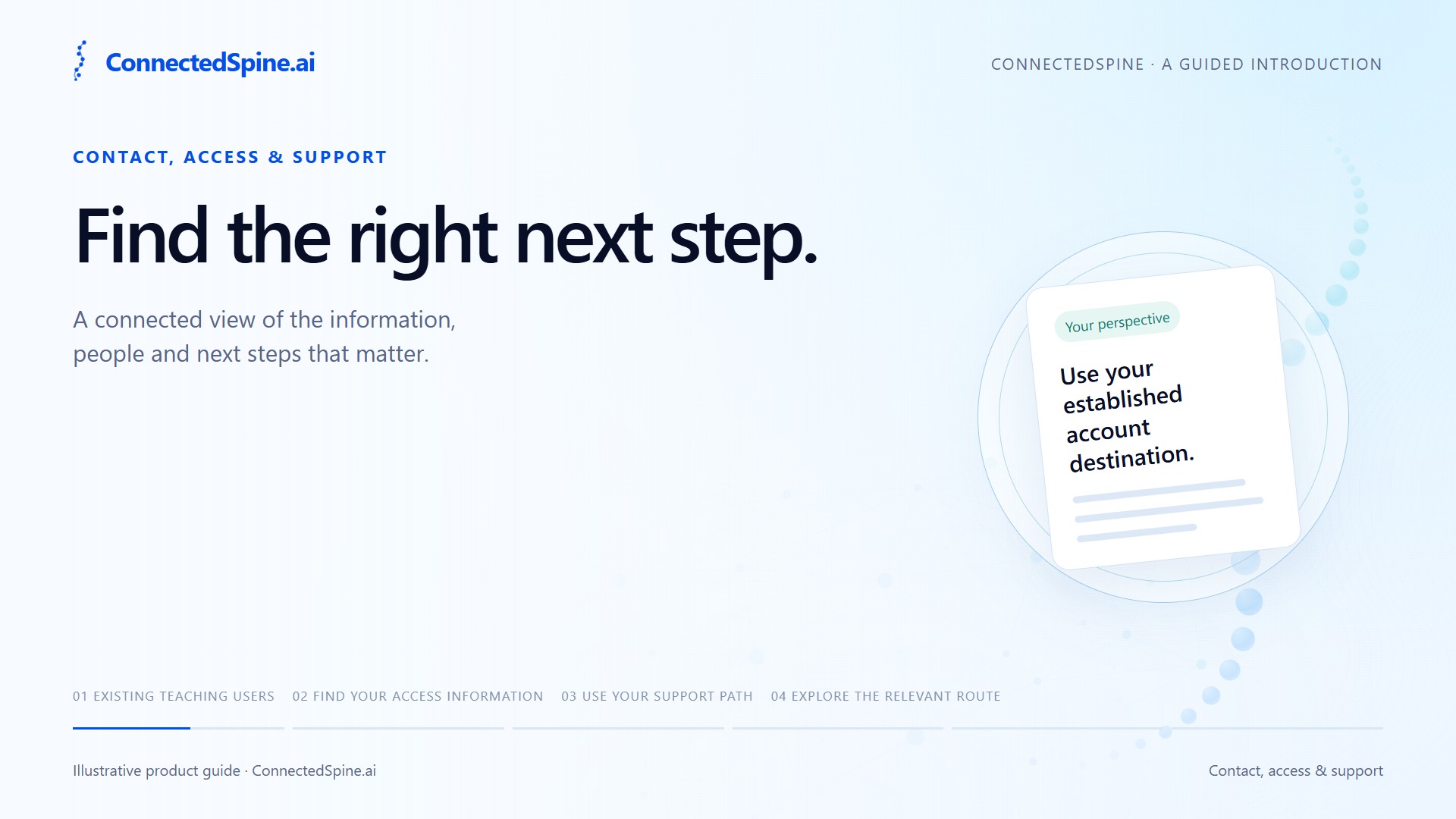
Finding the right route begins with why you are here. Existing account access, invitations, support, and integration questions follow different paths. If you already use Teaching, open the established Teaching portal from the sign-in link. For patient and professional access, choose your role and review the access information that applies to you. For help with an existing Teaching account, use the support or onboarding contact already supplied to you. Payers and organizations can explore the relevant workflows and review the contact page for the appropriate inquiry route. This public website explains the products. Keep medical records, scans, and urgent clinical requests within the appropriate care channels.
Let’s connect
Tell us what
brings you here.
Send a short product or access inquiry. Please keep health information, records and urgent requests with your care team.
Already using Teaching?
Go directly to your existing account. For account help, describe the issue without including passwords or patient information.
Open TeachingPrefer email?
admin@connectedspine.aiAccess starts with a conversation.
An inquiry does not create an account, establish care or confirm eligibility. See current availability.